Modeling & Materials

Weekly Design Challenge Template

Elizabeth Channon


Module 1


Object Selection and Introduction to 3D Modeling

Design Challenge 1
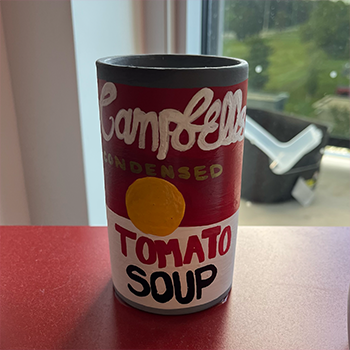
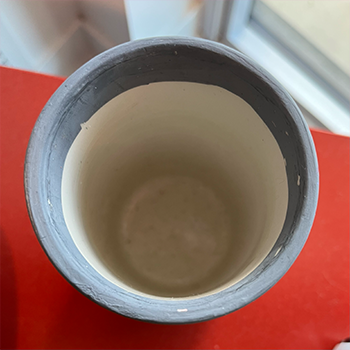
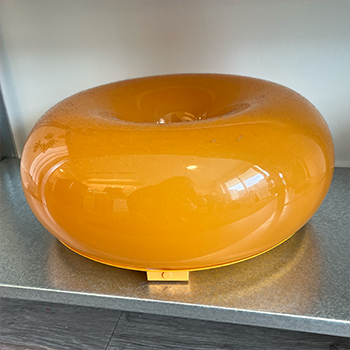
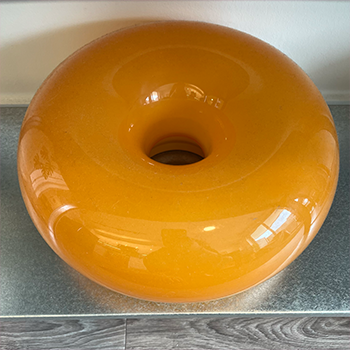
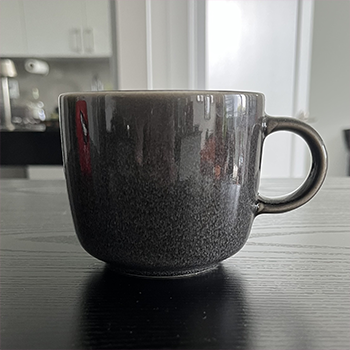
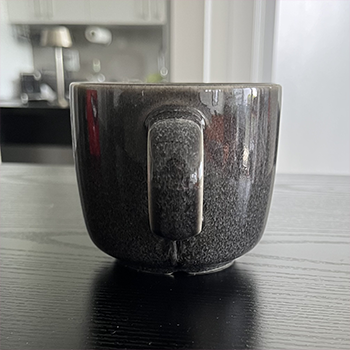
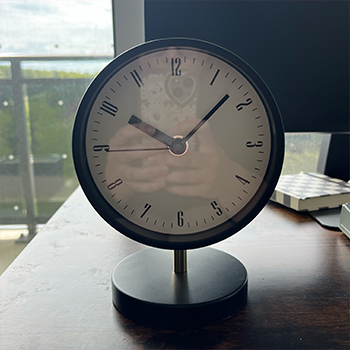
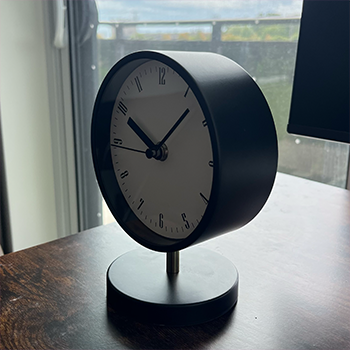
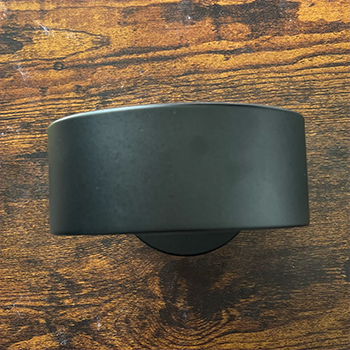
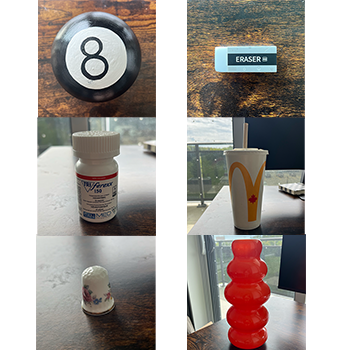
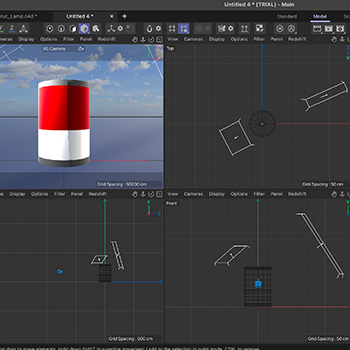
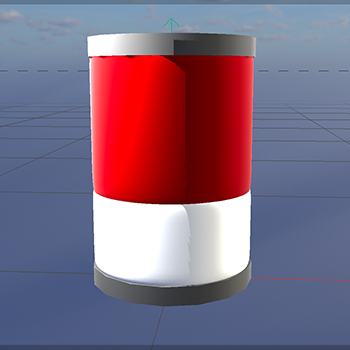
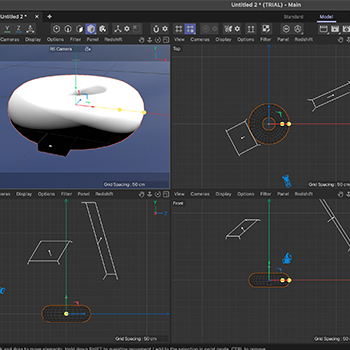
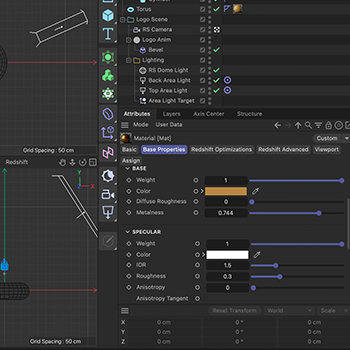
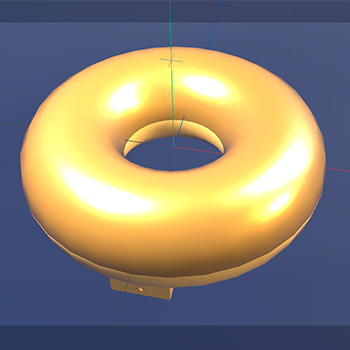
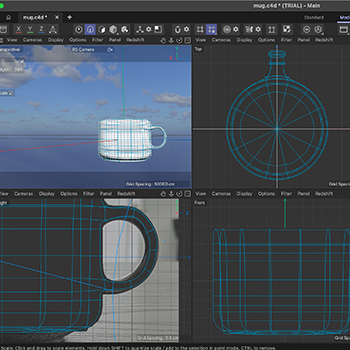
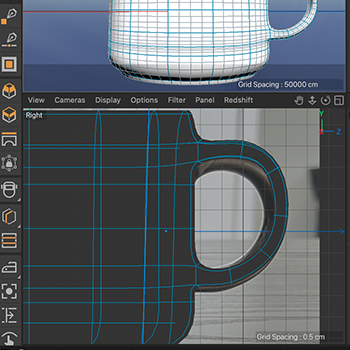
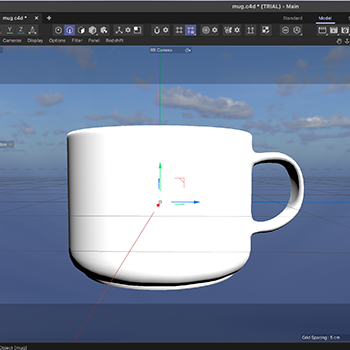
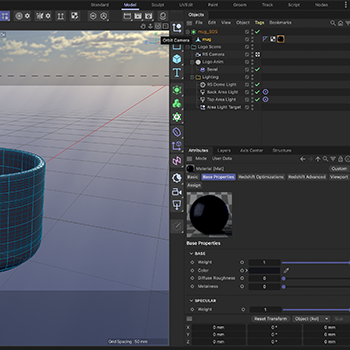
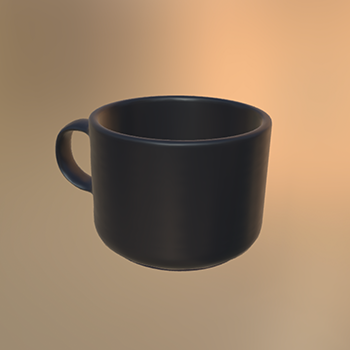
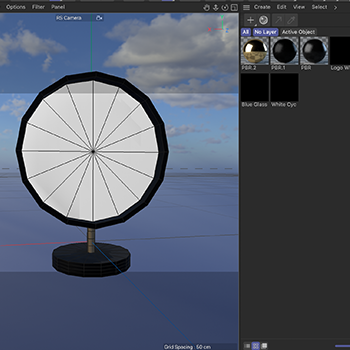
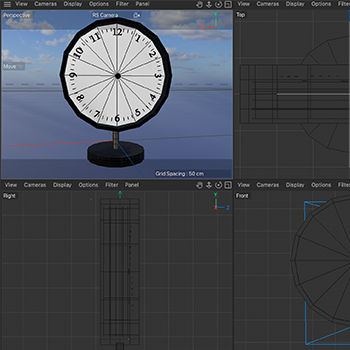
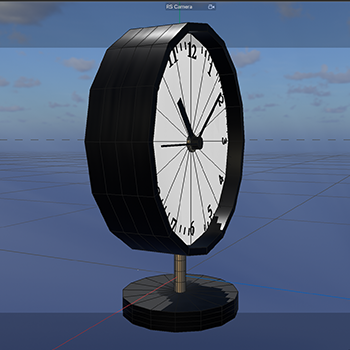
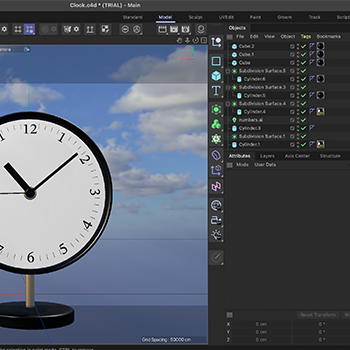
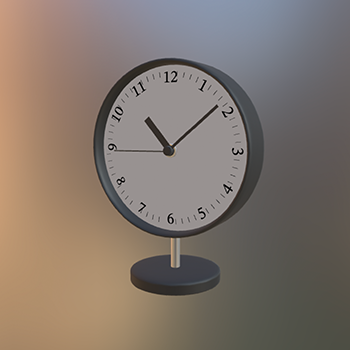
Primitive shape object 2: decorative fake can, front view. Primitive shape object 2: decorative fake can, top view. Primitive shape object 3: Ikea varmblixt lamp, front view. Primitive shape object 3: Ikea varmblixt lamp, top view. Complex geometry object 1: speckled grey mug, front view. Complex geometry object 1: speckled grey mug, side view. Complex geometry object 3:black, white, and gold clock, front view. Complex geometry object 3:black, white, and gold clock, side view. Complex geometry object 3:black, white, and gold clock, top view. The other primitive shape and complex geometry objects that were considered for this design challenge. I used the decorative fake can object as an opportunity to explore Cinema 4D on my own before following tutorials. I discovered how to create different shapes, and how to change their colours. I also learned what not to do, as I stacked tubes which overlapped and created a messy model. I also learned what not to do with the decorative fake can object, as I stacked tubes which overlapped and created a messy model. I continued experimenting on my own with the Ikea varmblixt lamp object, and learned how to create a donut shape. I also learned how to create a parent object and how to attach a child object to it. I also learned how to change the texture of an object to be more reflective. The final result from my experimentation on my own with the Ikea varmblixt lamp object. I followed <a href='https://youtu.be/9-GykynABwg?si=4Vq14z49m3VWiWFA'> This </a> tutorial to create the mug. I learned how to make an objects polygons editable, which allowed me to select the top polygons of a cylinder and extrude them inwards to create the cup shape. I also learned how to insert an image to use as a reference when modeling. Following the tutorial, I found out about edge loops and the loop cut tool, which allowed me to create a handle for the mug by extruding polygons and connecting them to make a rough ring shape.    I further refined the mug handle, after bridging the polygons, by using the loop cut to create a cental loop on the handle, which I adjusted with the other loops. I then created a subdivision surface to smooth the mug. I used the scale and move tool to fine-tune the shape of the handle to better match the reference image. I wanted to make my mug more defined so I added additional edge loops with the loop path cut tool to the mug body. This made the lip and bottom of the mug much more pronounced and realistic. I played around with texture and colour to make the mug more realistic. I adjusted the colour to be a light grey and the texture to be more pottery-like. I saved my model as a .glb file and imported it into <a href='https://sandbox.babylonjs.com'> sandbox.babylonjs.com </a>to view how it would look in a 3D environment. I used what I learned about making polygons editable and extruding them to create the clock. I also learned how to create a metallic texture and used that on the clock body and hands. I created the numbers on the clock in Adobe Illustrator and imported them into Cinema 4D and made them 3D to be used on the clock face.  I used cubes, a shape I hadn't used before, to create the clock hands. I manipulated their position with the scale and move tools. Using what I learned from the mug tutorial, I used edge loops and created multiple subdivision surfaces to smooth out the clock shape and refine it.  I also saved this model as a .glb file and imported it into <a href='https://sandbox.babylonjs.com'> sandbox.babylonjs.com </a>to view how it would look in a 3D environment.

Bonus Content
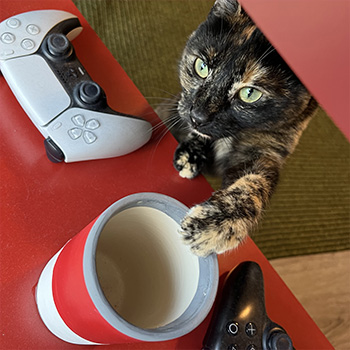
My cat interupting my photo taking.

Design Challenge 2

put a description here or you will lose grades put a description here or you will lose grades put a description here or you will lose grades put a description here or you will lose grades put a description here or you will lose grades put a description here or you will lose grades put a description here or you will lose grades put a description here or you will lose grades put a description here or you will lose grades put a description here or you will lose grades put a description here or you will lose grades put a description here or you will lose grades put a description here or you will lose grades put a description here or you will lose grades put a description here or you will lose grades put a description here or you will lose grades put a description here or you will lose grades put a description here or you will lose grades put a description here or you will lose grades put a description here or you will lose grades put a description here or you will lose grades put a description here or you will lose grades put a description here or you will lose grades put a description here or you will lose grades put a description here or you will lose grades

Material Workshop 1

put a description here or you will lose grades<a href='https://www.youtube.com/embed/tgbNymZ7vqY' target='_blank'><p>Project Video Link</p></a> put a description here or you will lose grades <div class='container'><iframe class='responsive-iframe' src='https://www.youtube.com/embed/tgbNymZ7vqY'></iframe></div> put a description here or you will lose grades

Material Workshop 2

put a description here or you will lose grades <a href='https://www.youtube.com/embed/tgbNymZ7vqY' target='_blank'><p>Project Video Link</p></a> put a description here or you will lose grades <div class='container'><iframe class='responsive-iframe' src='https://www.youtube.com/embed/tgbNymZ7vqY'></iframe></div> put a description here or you will lose grades

Project 1


Project 1 Models

Published 3D Model 1

PLACEHOLDER TEXT, put a description here or you will lose grades

put a description here or you will lose grades <div class='container'><iframe class='responsive-iframe' src='https://hudak.phoenix.sheridanc.on.ca/P1Stuff/Index.html'></iframe></div>

Published 3D Model 2

PLACEHOLDER TEXT, put a description here or you will lose grades

put a description here or you will lose grades <div class='container'><iframe class='responsive-iframe' src='https://hudak.phoenix.sheridanc.on.ca/P1Stuff/Index.html'></iframe></div>

Published 3D Model 3

PLACEHOLDER TEXT, put a description here or you will lose grades

put a description here or you will lose grades <div class='container'><iframe class='responsive-iframe' src='https://hudak.phoenix.sheridanc.on.ca/P1Stuff/Index.html'></iframe></div>
×

Powered by w3.css